TECHNICAL MANUAL // 06
Spawn Groups
Painting starting positions and player count considerations
This chapter covers starting positions: what spawn groups do, how to paint them, and the one toggle that makes them count.
What spawn groups do
Spawn groups decide where each player starts. When a game begins, each player is assigned a group and their starting troops land on that group’s territories. With no groups defined, starts scatter randomly — fine for casual play, but painted groups make games more balanced and more replayable.
Painting spawns
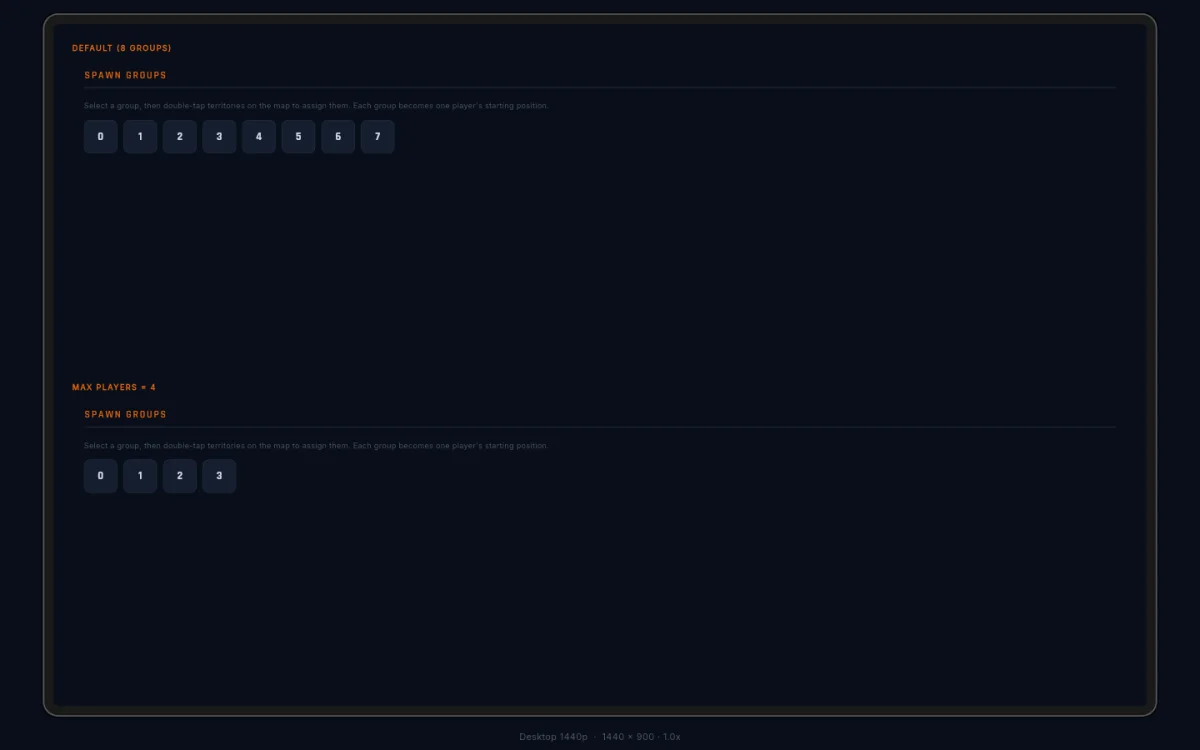
The Spawns tab shows numbered group buttons, one per potential player. Tap a button to select that group, then double-tap territories on the canvas to assign them to it. (The active tab decides what a double-tap means — on this tab it assigns; on Territories it edits.)
A territory belongs to at most one group — assigning it again moves it. Assigned nodes show their group’s number and colour.
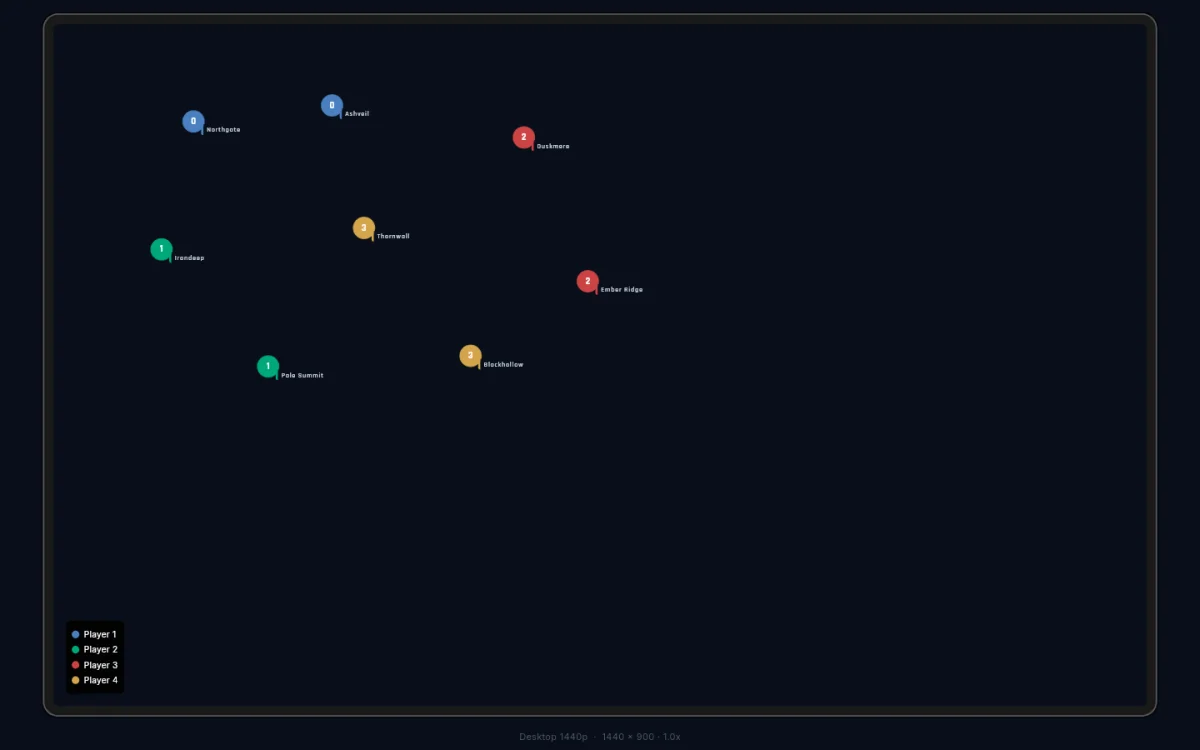
The Spawns panel
- Group buttons — one per potential player, numbered from 0 (8 groups when no player cap is set). Tap to select for painting; tap again to deselect. Shrink the player count later and out-of-range assignments clean themselves up.
- Assigned summary — which territories belong to each group, with counts.
- Clear Group — empties the selected group.
- Clear All — removes every spawn assignment.