TECHNICAL MANUAL // 02
Territories
Placing nodes, naming, sizing, and label positioning
This chapter covers the nodes themselves: placing them, naming them, and the per-territory settings that shape play.
Placing territories
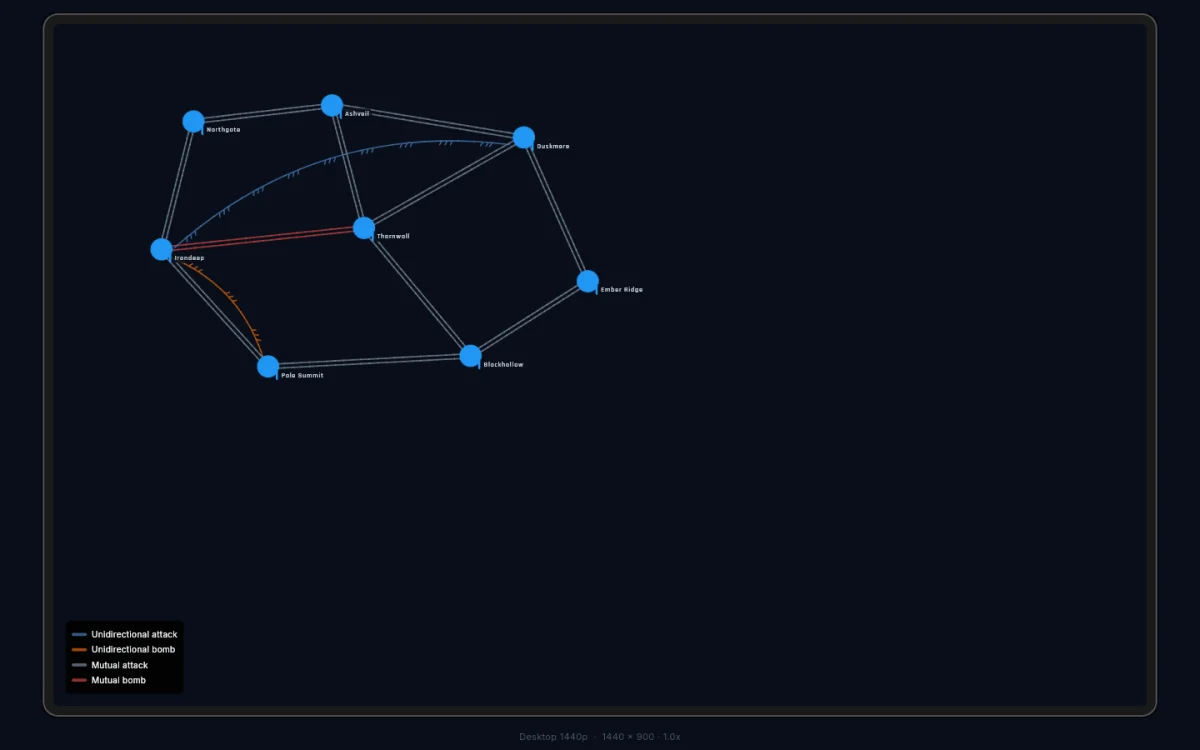
Territories are the building blocks of every map. Each one is a node on the canvas — a named position players will fight over.
Double-tap an empty spot on the canvas and a new node appears there, named from the active naming theme.
There’s no hard upper limit, but maps past 30–40 territories get hard to balance.
Editing a territory
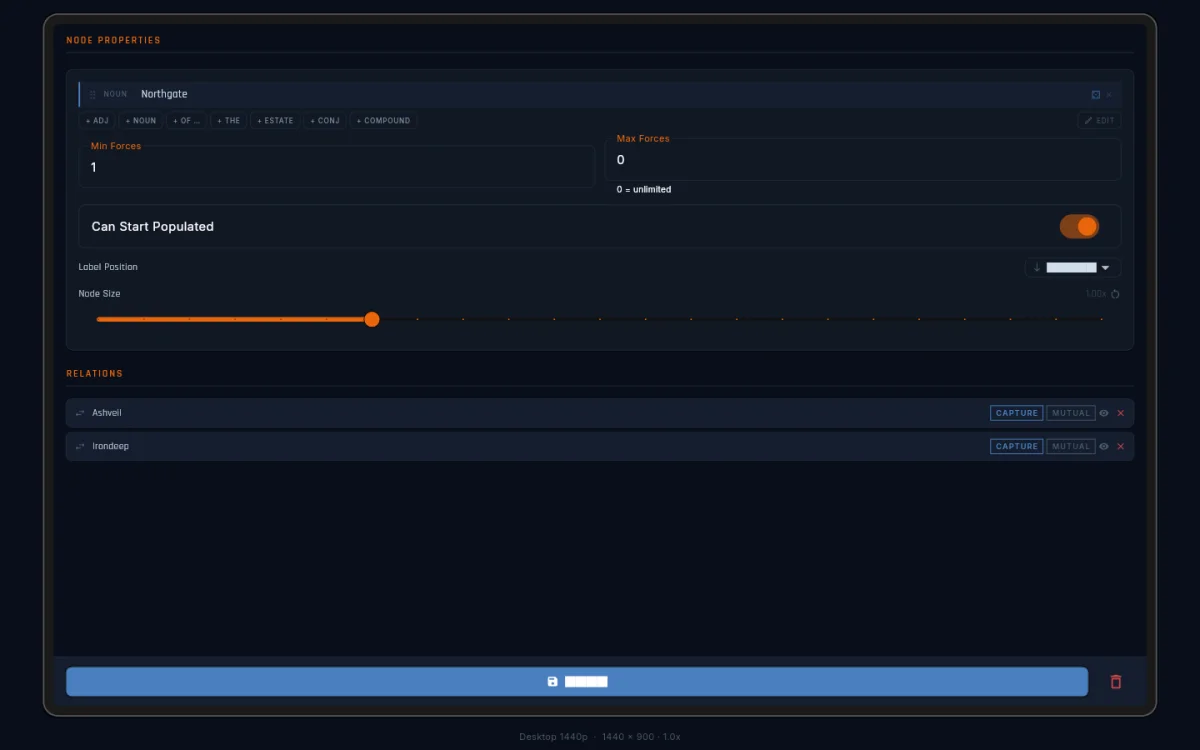
Double-tap an existing node to select it. The Territories panel opens its editor:
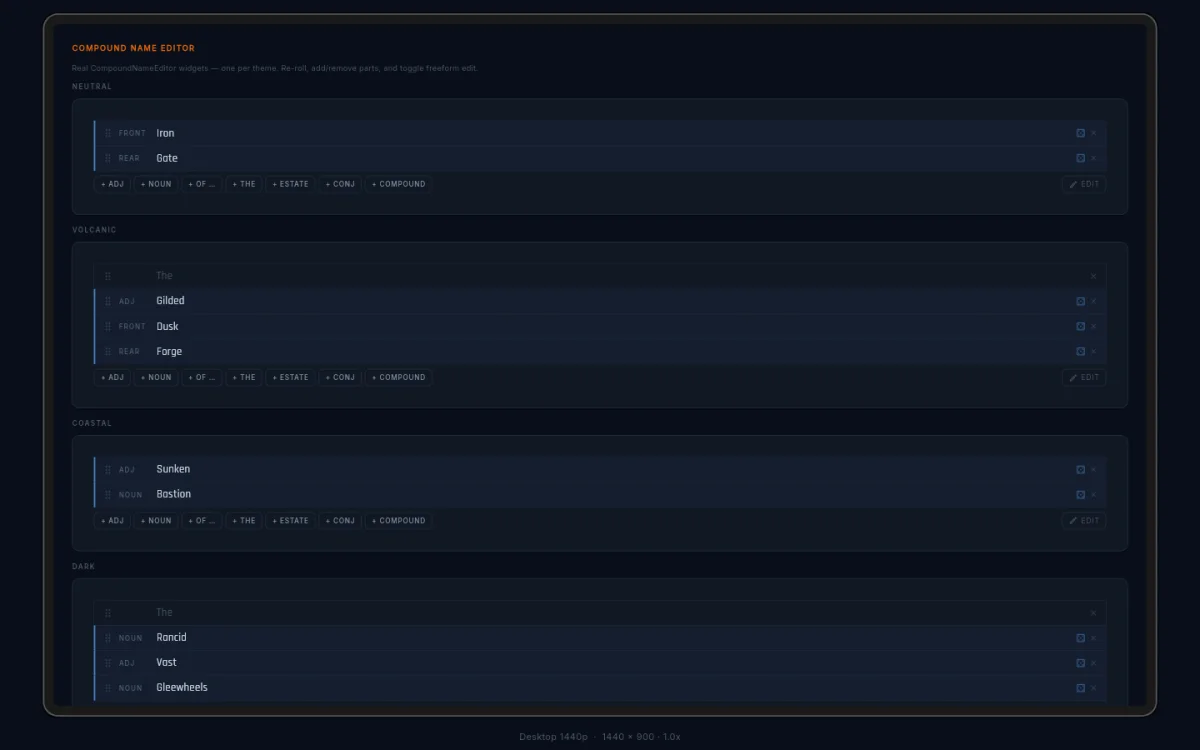
- Name — what players see on the node label. Names come from a compound name system with themed word pools. Re-roll any part, add an adjective or article, or switch to freeform typing.
- Size — a scale from 0.25x to 3.0x for how large the node draws.
- Label anchor — where the name sits: above, below, left, or right. With transparent labels on (see Settings), width and offset controls unlock and you can drag the label on the canvas.
- Min/Max forces — optional per-territory limits on garrison size.
- Can Start Populated — whether this node can receive starting troops. Turn it off for hazard or chokepoint territories that should start neutral.
Press Enter to save the name. Double-tap another node to switch to it; a single tap on empty canvas clears the selection.
Naming themes
Names generate from themed word pools, each with its own flavour:
| Theme | Flavour | Example |
|---|---|---|
| Neutral | generic fantasy | Irongate, The Crimson Vale |
| Volcanic | heat and earth | Marble Loom, Pumicearth |
| Coastal | water and shore | The Oak, Willowmeadow |
| Dark | sinister and arcane | Wraithblade, Hollow Pike |
| Ancient | classical | The Canon |
| Industrial | machinery and metal | Molten Arch, The Anvil |
The active theme is set in the Settings tab and applies to new territories only. Changing themes never renames what you’ve already placed.